Platform
Everything your team does with data, under one set of permissions
Qry is one workbench: what you ask, what you build and what you share all run under the same identity, the same rules and the same models.
Conversations
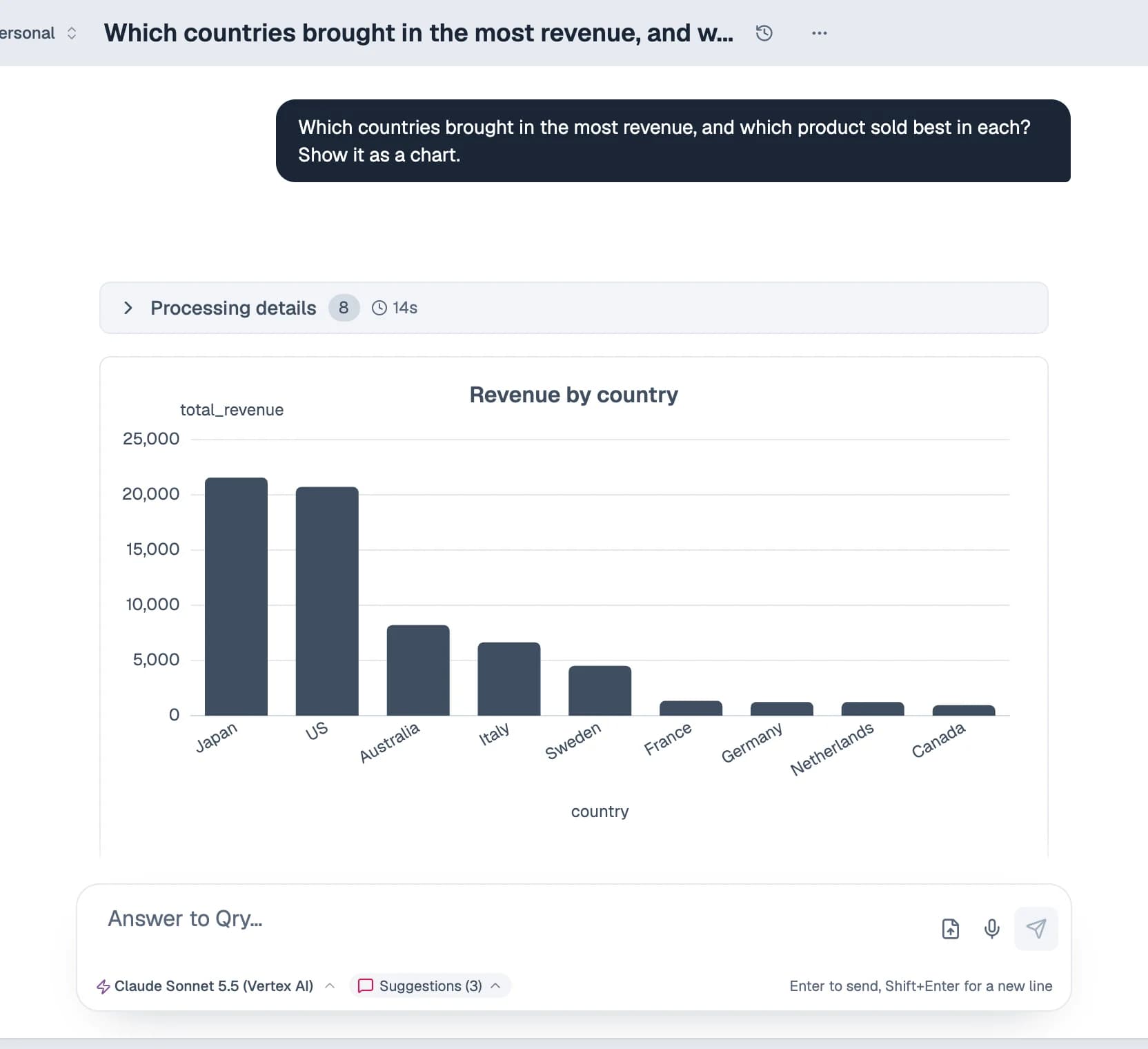
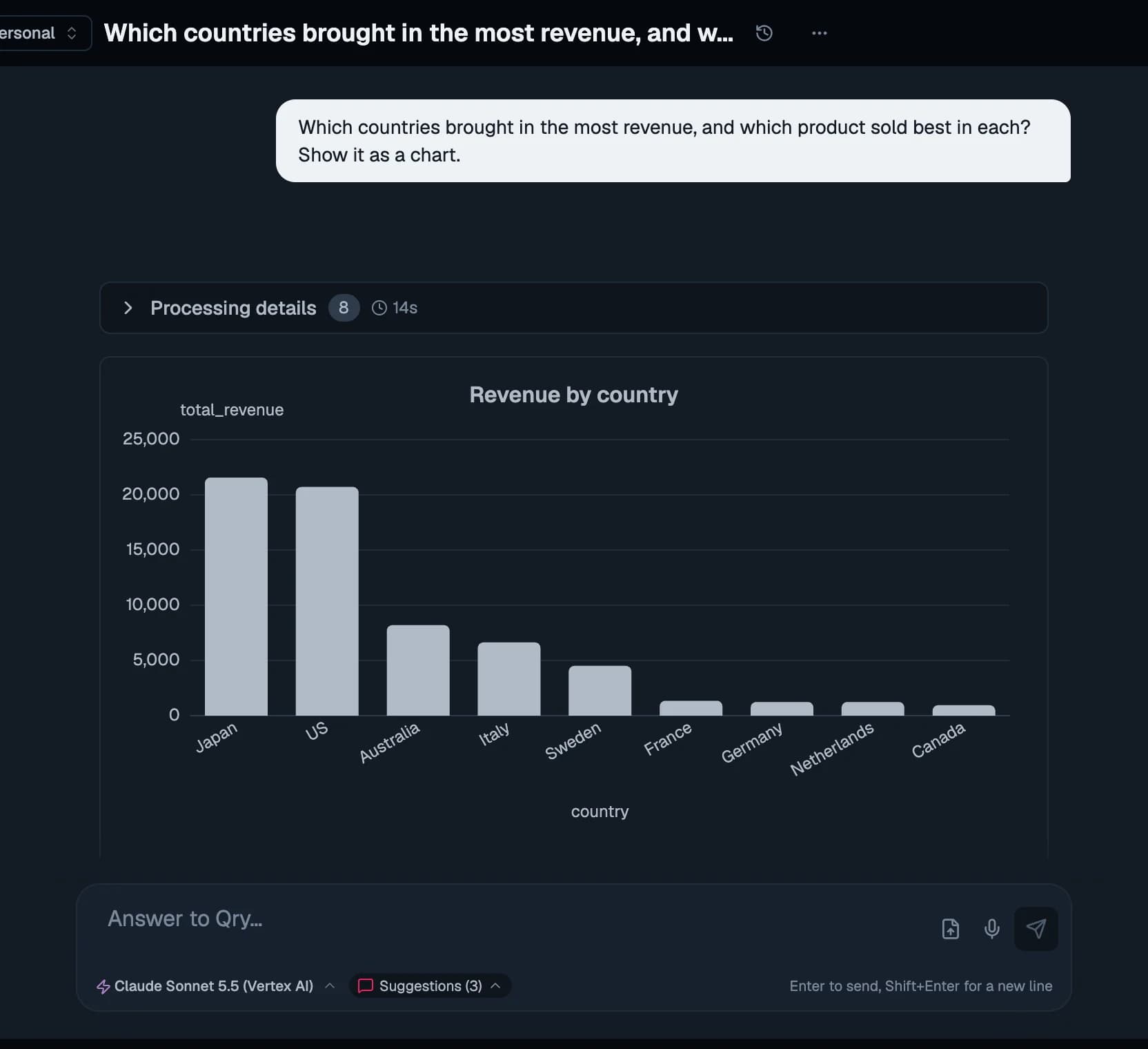
Ask, and see how it was answered
Qry reads the schema of the datasource you pick, writes SQL in that engine's dialect, runs it under your permissions and answers with tables, charts and a plain explanation. It writes Python when a question needs it, and keeps a long-term memory of what you have told it.
- Every step visible: the SQL, the tables read, the code run
- Checkpoints: rewind a conversation and restore what you typed
- Stop an answer at any moment
- Attach CSV, Excel, PDF, images, Markdown or text
- A warning next to any figure the data does not back
- ⌘K to search everything or ask a new question
Dashboards
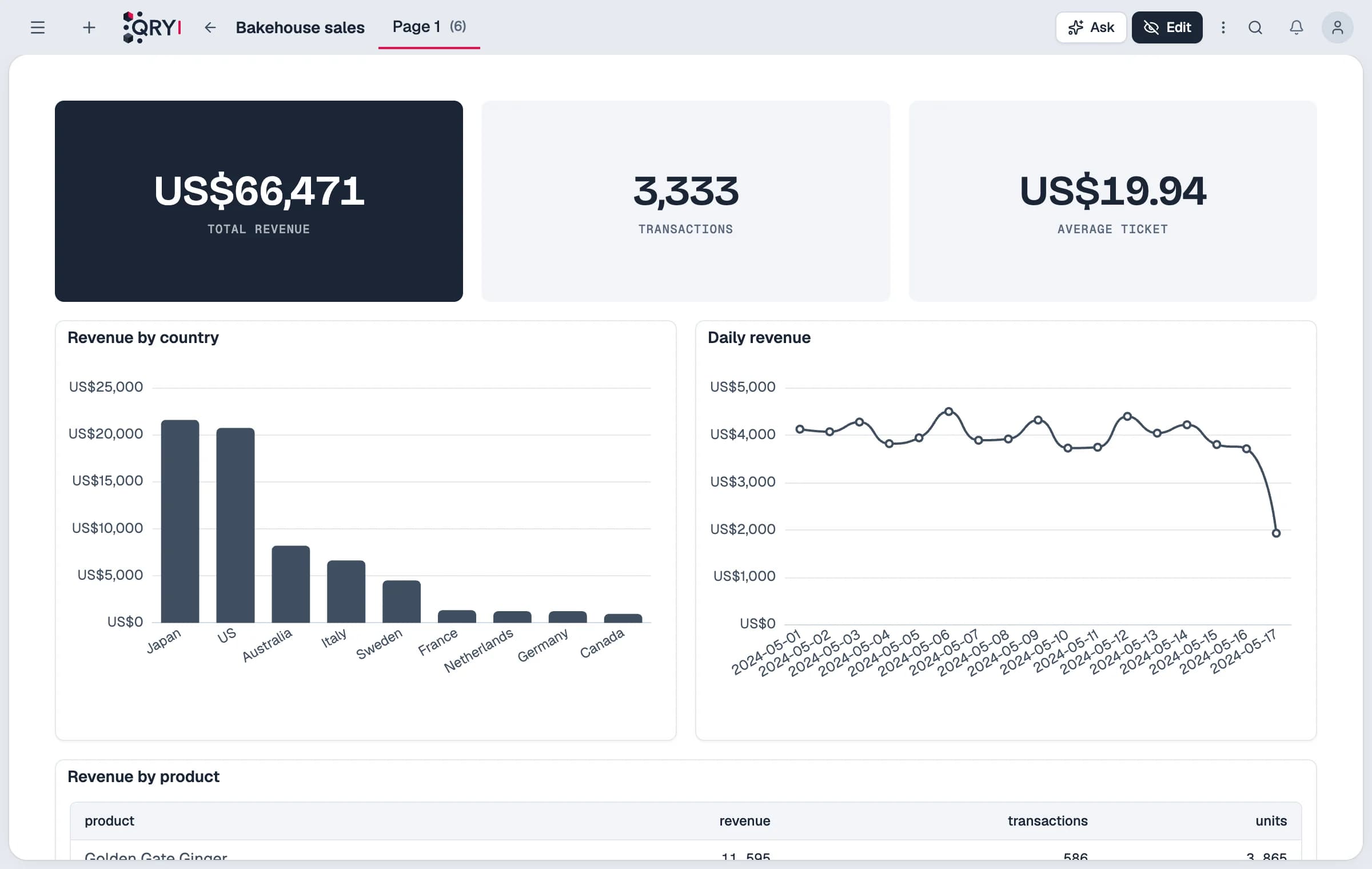
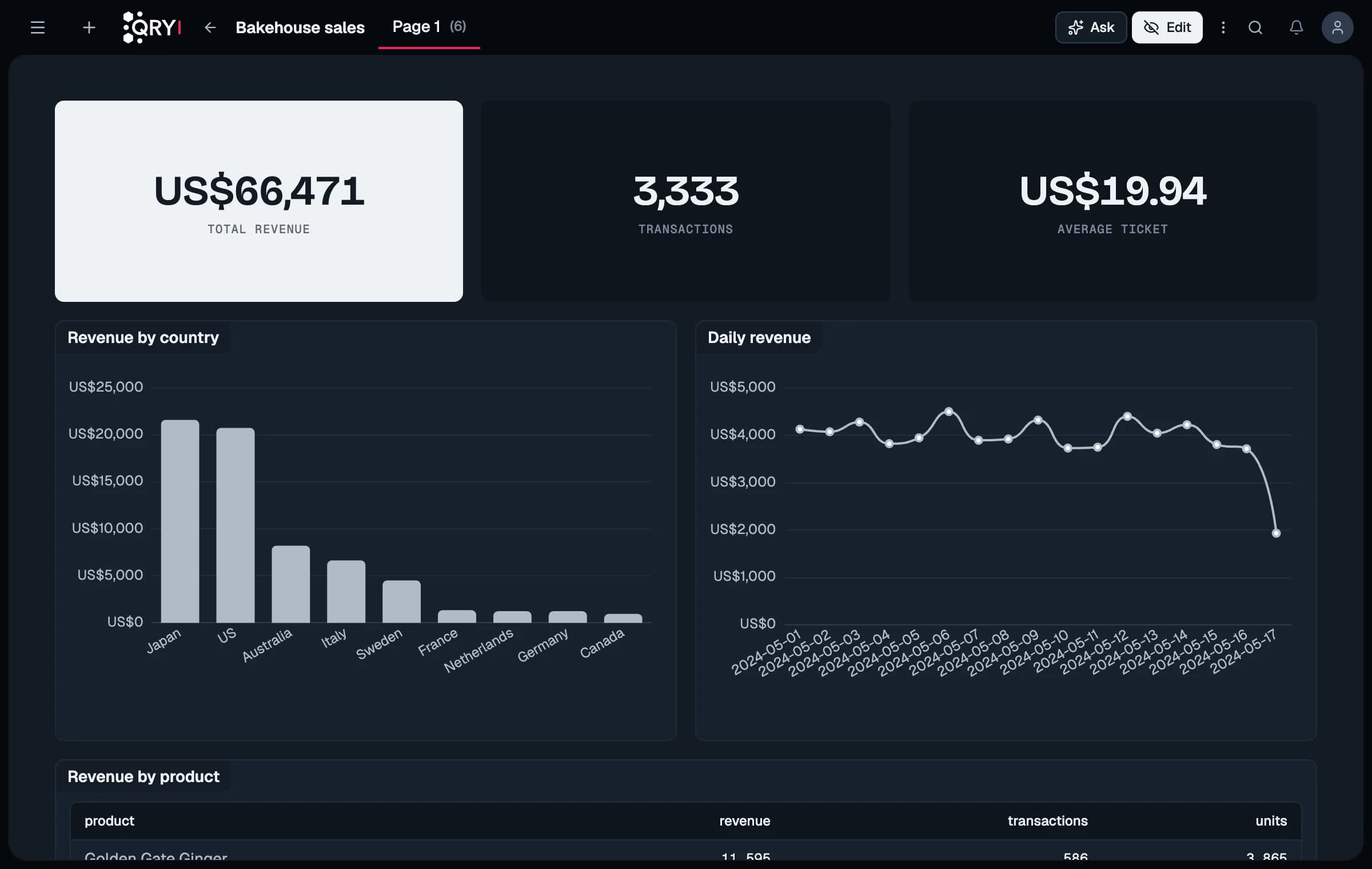
Dashboards, built by asking
Ask for a dashboard, then edit it like a document. Seventeen chart types, KPIs with period comparison, filters shared across tiles, drill-down and click-through to the rows behind a figure.
- Forecasts and anomaly detection on any series
- “Explain this” and questions about what is on the page
- CSV and Excel export, public links
- Checkpoints, undo, and import into another installation
Notebooks
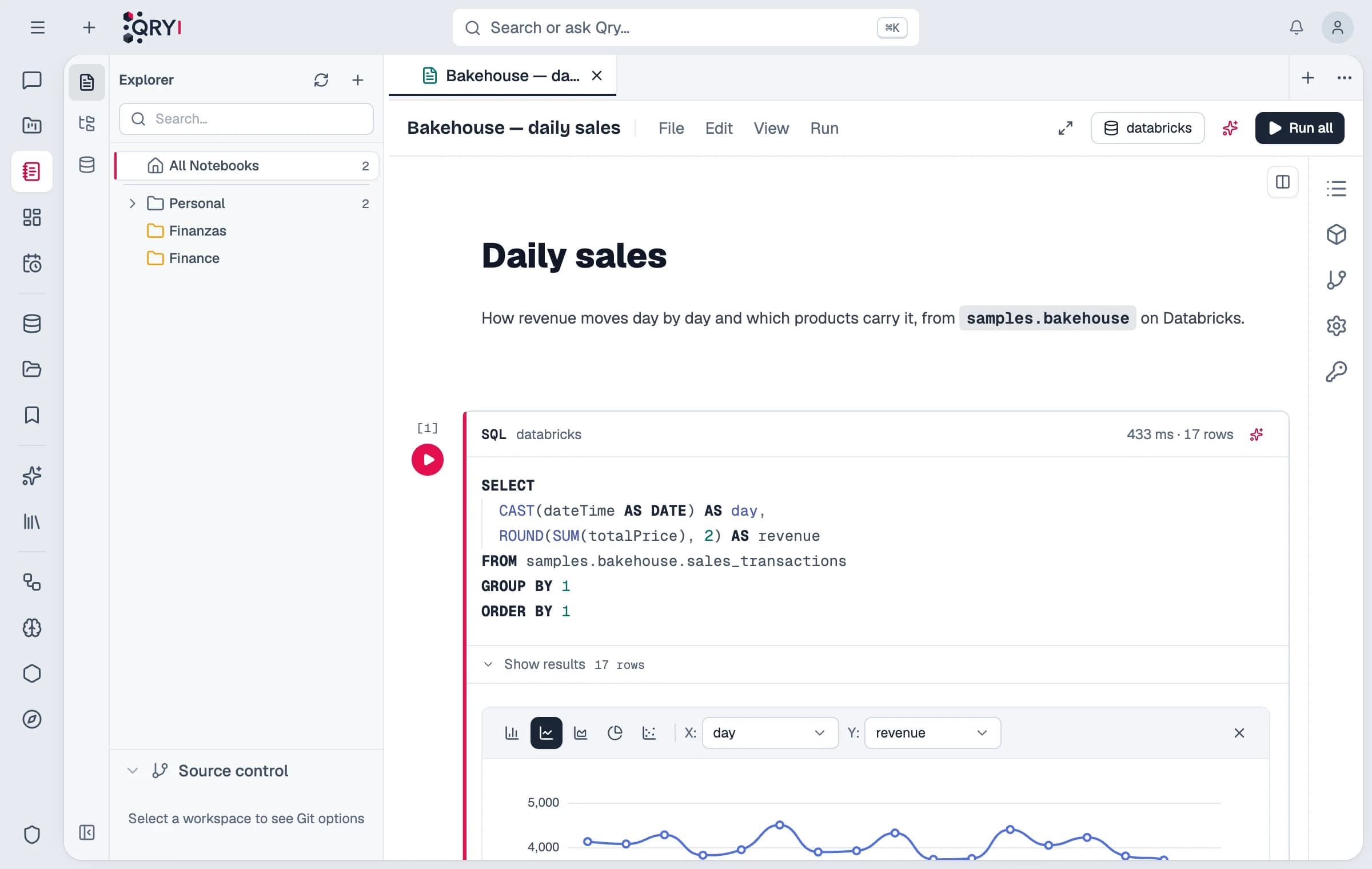
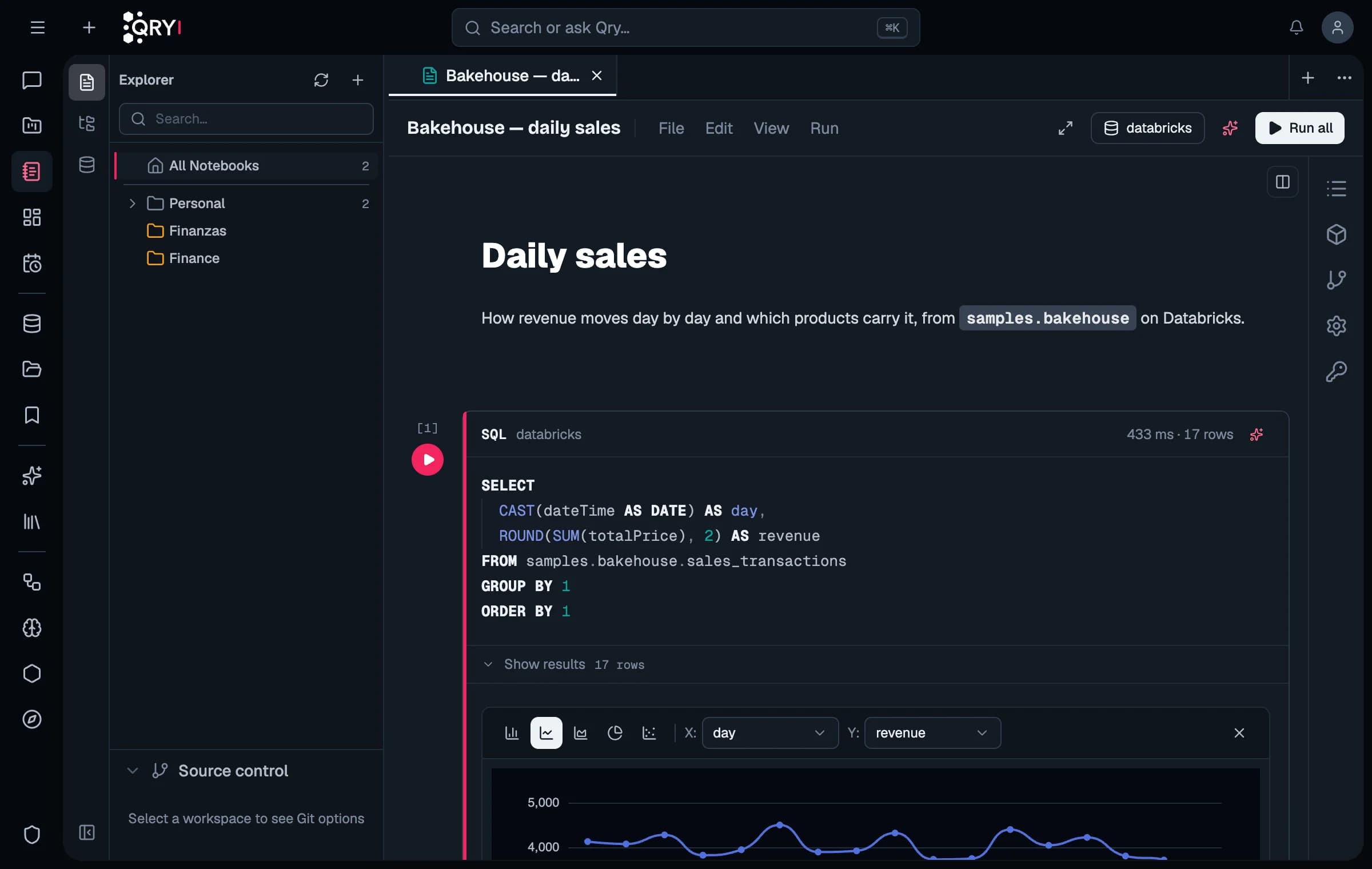
Notebooks for the work that needs code
SQL, Python and PySpark cells side by side. PySpark runs on your own Spark cluster through Livy, so the data stays where it is. Secrets are injected into the session, never written in a cell.
- Schedule a notebook; every run gets its own runtime
- Generate cells and fix failing ones with AI
- Git folders with cell-by-cell merge
Workspaces
Workspaces: your team's documents and memory
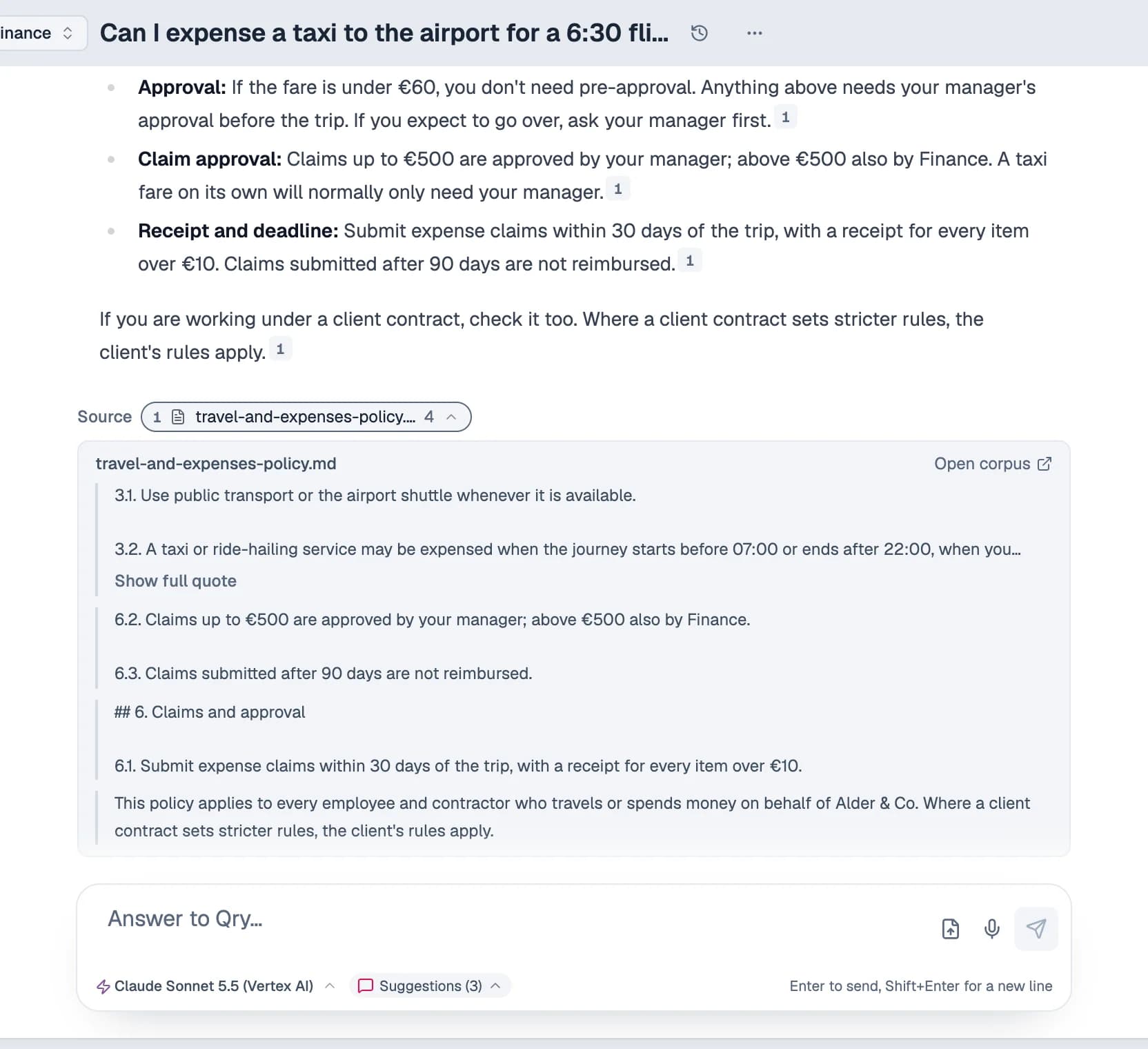
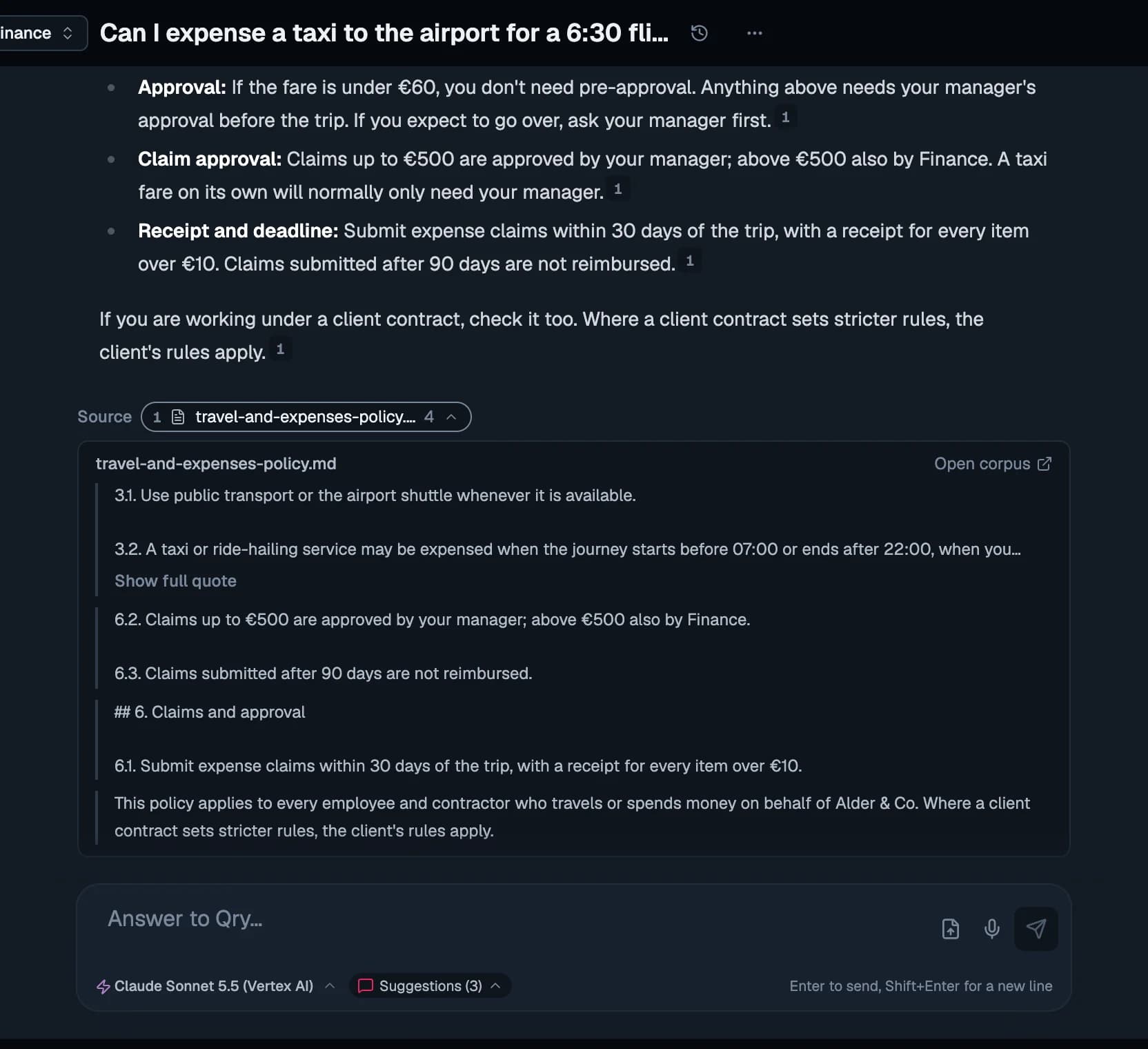
A workspace holds a team's conversations, files and memory. Its documents are indexed as they arrive and searched both by meaning and by the exact words you type — so “article 118” finds article 118. Answers cite the passage, and the citation opens the document there.
- A memory per team: what Qry learns there stays there
- PDF, Markdown and text indexed as they arrive
- Membership never grants data access on its own
Lakeflow
Lakeflow: pipelines and jobs
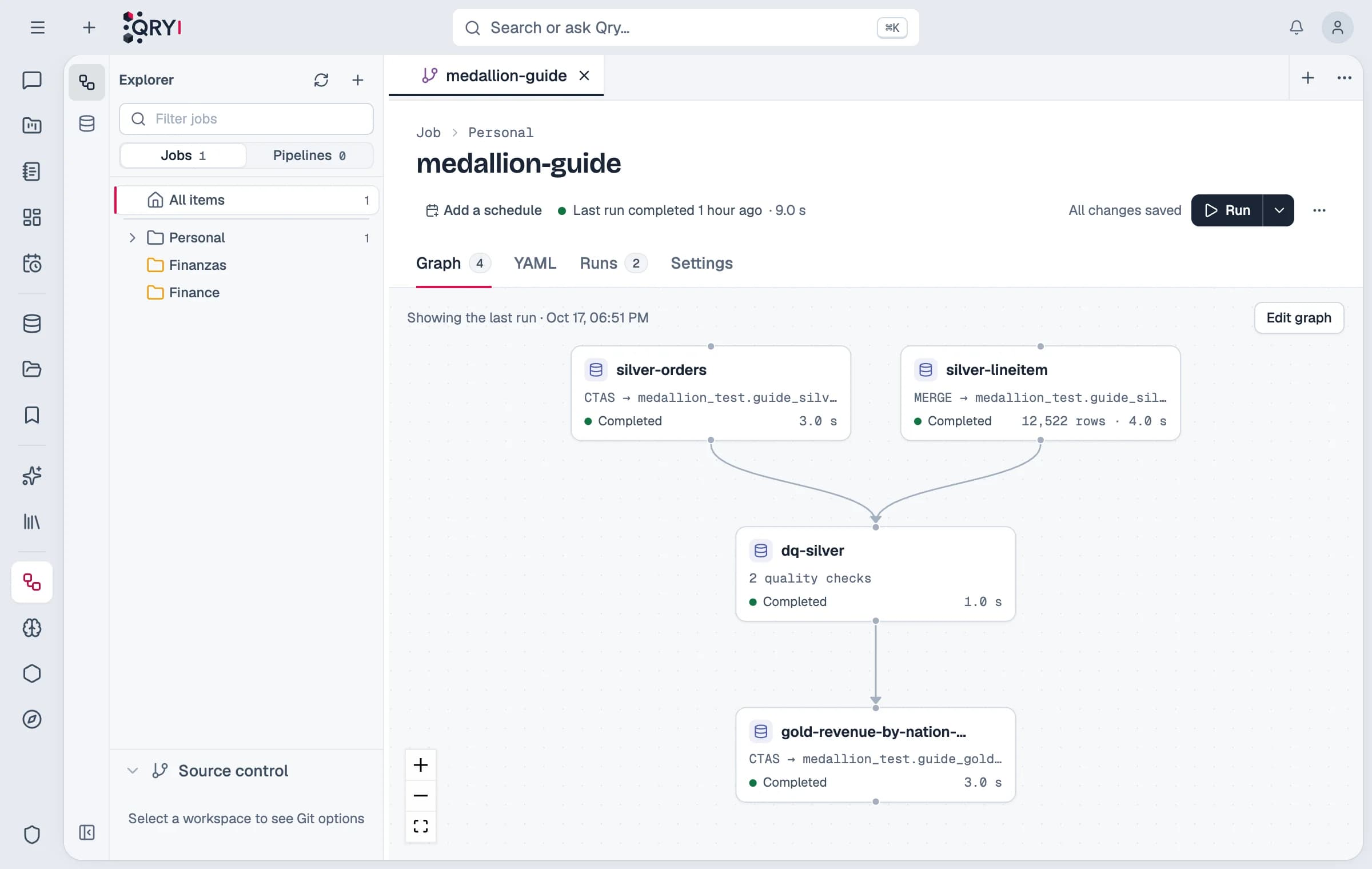
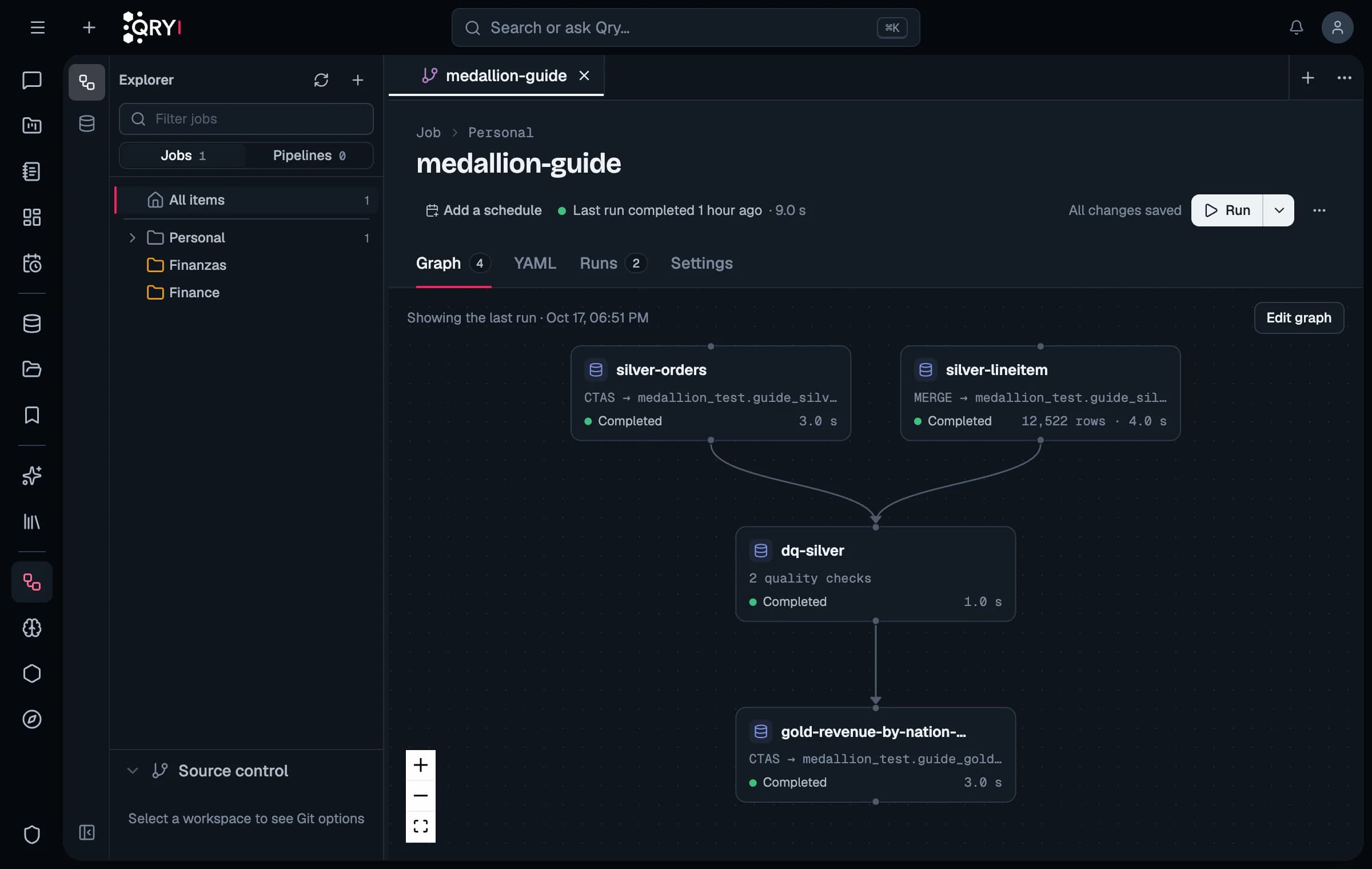
Declarative pipelines move data between systems with quality expectations; jobs chain SQL, Python, prompts and conditions into a graph. Inside one warehouse, SQL tasks run in the engine itself — fast, and with the lineage your catalog expects.
- Graph and YAML views of the same job, kept as written
- Quality gates that stop what depends on them
- Runs that died are closed; tables that stopped loading are flagged
Skills
Skills: your business rules, written once
A skill tells Qry how your business works — which view to use, what “active customer” means, how to close a month. Skills apply to the whole company, a datasource, a team or one person, are versioned in Git, and are checked against the data: when a rule names a table that no longer exists, the skill is flagged and admins are told.
- Instructions, reference documents, procedures and scripts
- A tester to see what a question would load
- Scripts run with the permissions of the person asking
Nexus
Nexus: data products and an API for them
Publish curated datasets as data products with an owner, a lifecycle and a quality score, and give other systems access through API keys — with row filters, column masks, rate limits and an audit log.
Automation
Scheduled, delivered, out of the way
“Every Monday at nine, send me sales by region” becomes a scheduled task that runs with your current permissions and lands in a conversation or an inbox. Tasks have quotas, and switch themselves off after repeated failures or when access is revoked.
- Ask from Telegram with a personal token
- Dictate instead of typing
- Train and track machine-learning models from a conversation
Administration
Run it like the rest of your estate
Choose which models each group may use and set budgets per user and group. Usage is audited, model settings are checked against the vendor's catalogue, and an operator CLI checks an installation before and after every upgrade.
See it on your own data
We'll set up Qry against a dataset you choose and walk you through it — one hour, no slides.